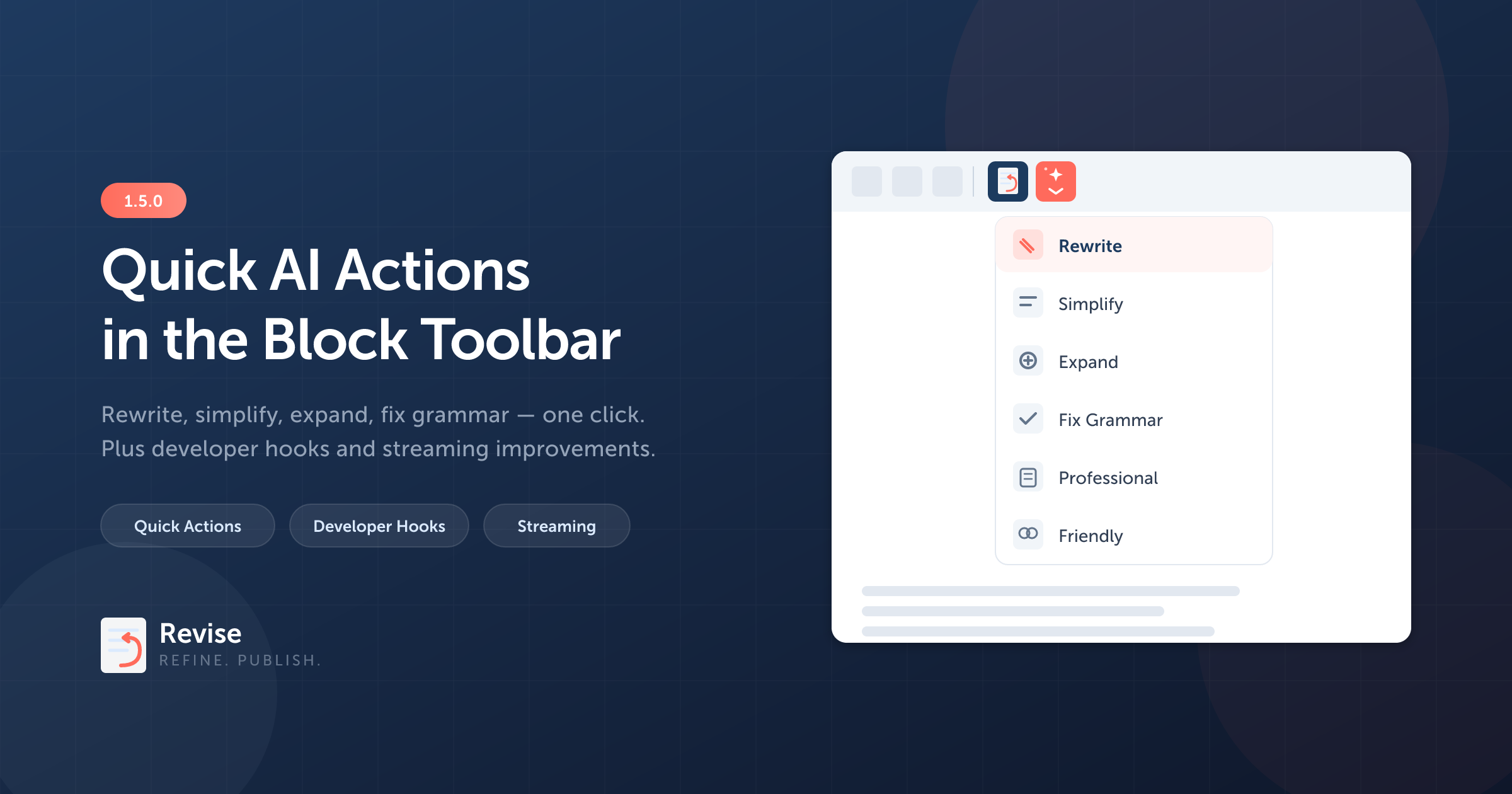
One-click AI editing, right from the block toolbar
Version 1.5.0 is our biggest update yet. The headline feature: quick AI actions built directly into the Gutenberg block toolbar. Select a block, pick an action, and Revise does the rest — no typing required.
We also shipped a full set of WordPress hooks for developers, rebuilt our component architecture for long-term maintainability, and made streaming significantly more reliable.
Quick AI Actions
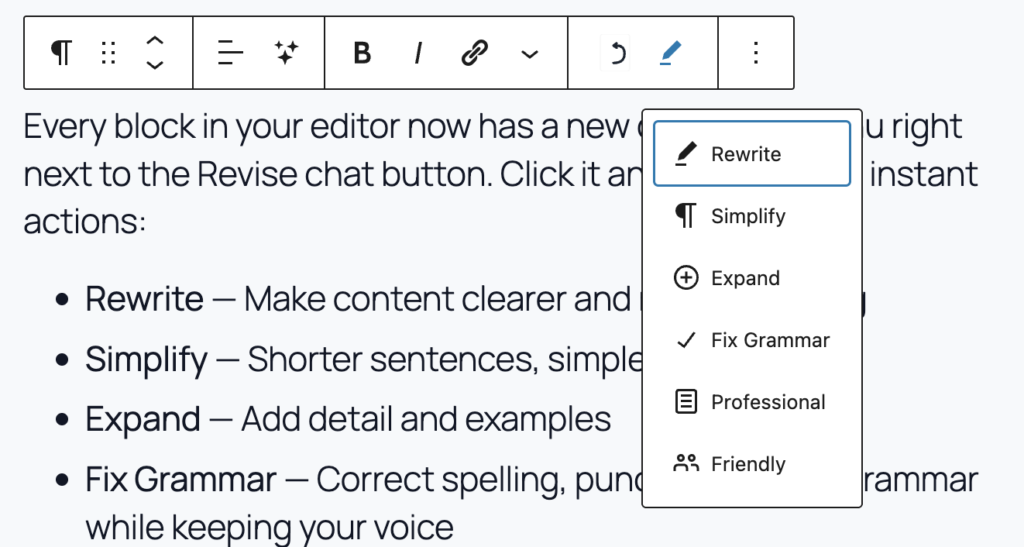
Every block in your editor now has a new dropdown menu right next to the Revise chat button. Click it and you’ll see six instant actions:
- Rewrite — Make content clearer and more engaging
- Simplify — Shorter sentences, simpler words
- Expand — Add detail and examples
- Fix Grammar — Correct spelling, punctuation, and grammar while keeping your voice
- Professional — Shift to a formal tone
- Friendly — Shift to a warm, conversational tone
One click. The sidebar opens, the prompt fires, and your block updates — all in a single motion. If you’ve highlighted specific text within a block, Revise focuses on just that selection.
This is built using Gutenberg’s native ToolbarDropdownMenu inside BlockControls — no custom popovers, no extra UI weight. It feels like part of WordPress because it is.
Developer Hooks
Revise is now fully extensible. Whether you’re building a custom integration, adding a new LLM provider, or tailoring the AI’s behavior for a client site, you can hook into every stage of the pipeline.
PHP Filters
userevise_provider— Register a custom LLM provideruserevise_system_prompt— Modify the system prompt sent to the AIuserevise_streaming_prompt— Customize the streaming promptuserevise_block_context— Control what block data the AI seesuserevise_chat_response— Transform responses before they reach the editoruserevise_models— Add or remove models from the selector
PHP Actions
userevise_before_chat/userevise_after_chat— Run logic before and after standard chat requestsuserevise_before_stream/userevise_after_stream— Same for streaming requests
JavaScript Filter
userevise_templates— Add custom prompt templates via@wordpress/hooks
A quick example — adding a custom model to the selector:
add_filter( 'userevise_models', function( $models ) {
    $models['openai']['my-fine-tuned-model'] = 'My Fine-Tuned GPT';
    return $models;
} );
Streaming Reliability
We reworked how block updates flow from the AI to your editor. Previously, if a streaming event was missed during a response, the block could silently fail to update. Now:
- All three providers (OpenAI, Anthropic, Gemini) track content as it streams and include the final result in the completion event
- The frontend applies block updates as a guaranteed final step, even if real-time streaming was interrupted
- The Re-apply button on previous messages now works reliably — operations are stored with their full content
The result: when the AI says “Changes applied to editor,” the changes are always actually applied.
Architecture Improvements
Under the hood, we broke down our main sidebar component from a single 1,500-line file into focused, testable modules:
- New hooks:
useEditorData,useBlockHighlights,useFileAttachments - New components:
ChatToolbar,ChatInput,BlockSelectionNotice,StreamingMessage,ChatEmptyState - Extracted utilities:
markdownParser,blockLabels
This doesn’t change anything you see as a user, but it makes Revise easier to maintain, extend, and contribute to.
Upgrade
Head over to userevise.com to get the 1.5.0 update. As always, you’ll need your own API key from OpenAI, Anthropic, or Google.
Questions or feedback? Reach out at to me at [email protected]
Leave a Reply